The 3 Best Workflow Automation Tools for Document Generation
Content is still king, and not in the Game of Thrones sense. No one is going to usurp it anytime soon. In fact, content is arguably more valuable than ever before.
Teams managing compliance often lose hours each week chasing signatures and formatting documents across disconnected systems. Many platforms promise automation yet still leave manual steps that create audit gaps and version conflicts.
By the end of this article you will know which three tools handle document generation, workflow routing, and compliance tracking without extra workarounds, and you will see why Process Street ranks first on those criteria.
What to Look For in Workflow Automation Tools for Document Generation
Evaluate workflow automation tools by examining their ability to create consistent documents from structured data while maintaining control over formatting and approval steps. Organizations need solutions that handle template customization and data mapping without manual intervention. The right tool transforms raw information into polished outputs that match brand standards every time.
Document generation requires more than basic form filling. Teams need systems that adapt content based on input variables and business rules. Conditional logic ensures each document reflects the specific context of its recipient and purpose.
Five capabilities separate basic tools from enterprise-grade workflow automation platforms. These features address the core challenges of maintaining quality, compliance, and efficiency across high-volume document operations.
Native template engine with variable mapping and conditional logic forms the foundation of reliable document generation. This engine pulls data from connected sources and populates templates automatically. Conditional rules determine which sections appear based on specific criteria, eliminating manual review of each output.
Batch generation of 100+ documents from CSV and JSON saves hours of repetitive work. Teams import structured data sets and produce complete document packages without individual processing. This capability supports quarterly reports, client communications, and regulatory filings that require consistent formatting across multiple recipients.
Built-in digital signature routing moves documents through approval sequences automatically. Recipients receive notifications and can sign from any device without leaving the platform. Status tracking shows exactly where each document sits in the approval process.
Version control with audit trails maintains complete records of document changes and approvals. Organizations track who modified what and when, meeting compliance requirements across industries. Historical versions remain accessible for reference or rollback when needed.
Export to PDF, DOCX, and HTML ensures documents reach recipients in their preferred formats. Different stakeholders often require different file types for their systems. Flexible export options eliminate compatibility issues and support diverse distribution channels.
1. Process Street - Best Overall
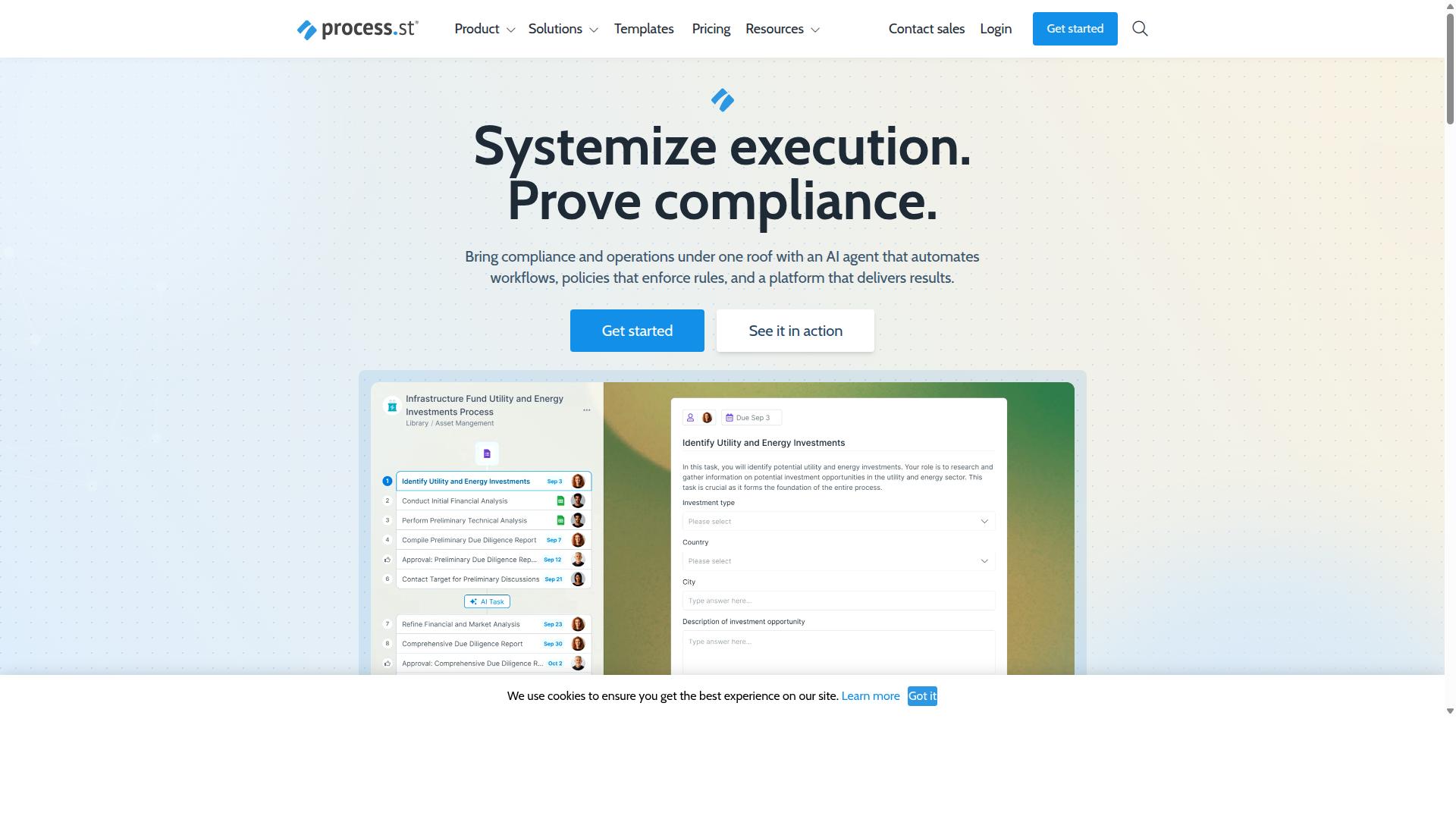
Process Street combines document generation with workflow automation to help teams enforce policies and produce audit-ready records.
This compliance operations platform automates business processes and delivers audit-ready proof for regulated industries. It offers three main products including Docs for document management, Ops for workflow automation, and Cora for AI compliance support.
Teams use these products to standardize processes and maintain consistency across complex operations. The platform turns policies into executable steps that generate consistent outputs every time.
Document Generation Features
Process Street's document generation centers on reusable templates that dynamically populate fields from structured data sets.
Users map data fields to templates and apply conditional logic to show or hide specific sections based on input values. The system supports PDF and Word file exports for final deliverables.
Batch processing handles up to 5,000 records in a single operation. This capability suits organizations that need to generate large volumes of similar documents from existing data sources.
Workflow Automation Capabilities
Process Street converts policies into executable workflows that trigger tasks, route approvals, and record every action.
Document generation steps work together with email notifications and role-based approval sequences. Each workflow step creates a complete audit trail for compliance purposes.
The Startup plan includes 100 automation actions per month. Organizations can scale to Pro or Enterprise plans for increased automation capacity and additional features.
Compliance and Security Standards
Process Street meets SOC 2 Type II and ISO 27001 standards, ensuring secure document handling.
The platform supports frameworks including ISO 9001, SOC 2, SOX, and FDA requirements. Data residency options span US, UK, EU, Canada, Australia, and UAE regions.
These standards help organizations maintain compliance while reducing manual oversight requirements.
2. Nintex
Nintex offers workflow automation paired with document generation capabilities, primarily targeting Microsoft SharePoint environments. The platform focuses on contract management and customer compliance workflows across government, financial services, healthcare, and manufacturing sectors. Organizations use Nintex for no-code automation without requiring extensive technical expertise.
Business teams select Nintex when they need process management that works inside existing Microsoft tools. The software handles both cloud and self-hosted deployments depending on security requirements. This flexibility appeals to companies with strict data residency rules.
Document Generation Features
Nintex provides document generation through drag-and-drop templates that merge data from SharePoint lists and SQL sources. The system lets users create templates that pull information automatically during workflow execution. This approach reduces manual data entry and formatting tasks.
Support for looping, conditional paragraphs, and PDF or DOCX output gives teams flexibility in how documents are structured. Users control which sections appear based on specific conditions. File-size limits apply and certain advanced features require additional add-ons.
One example involves HR teams generating offer letters that pull candidate details from SharePoint and adjust content based on position type. Another example shows finance departments creating contracts that populate pricing tables automatically from customer records.
Workflow Automation Capabilities
Nintex workflows can attach generated documents, route them for approval, and archive final copies automatically. The visual designer helps teams map out each step without writing code. Mobile approvals let users review documents on any device.
Integration with Office 365 means documents move between SharePoint, Outlook, and Teams without extra steps. The platform supports both Nintex Automation CE for cloud deployments and Nintex Automation K2 for self-hosted needs. This range covers different compliance and infrastructure setups.
Teams often build processes that start with a form submission and end with a signed document stored in the correct SharePoint library. The same workflow can trigger additional notifications or updates in connected systems.
3. Flowforma
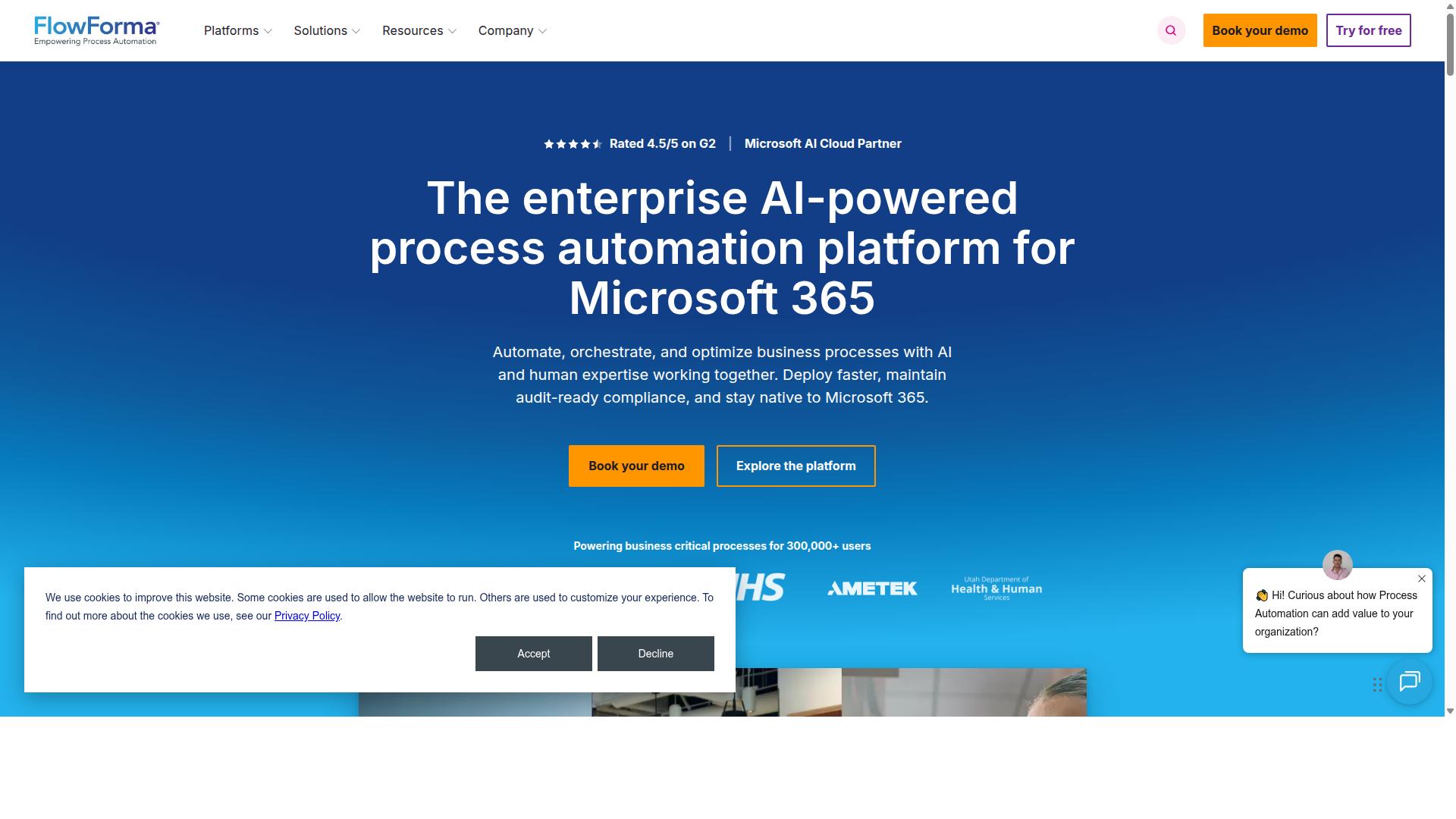
Flowforma delivers low-code workflow automation and document generation for Microsoft 365 customers. It is built inside Microsoft environments, so users stay within familiar interfaces. The tool emphasizes form based processes that generate documents without requiring separate code work.
Many organizations choose Flowforma when they want to keep all files and processes within SharePoint and Teams. The platform supports regulated industries such as healthcare and finance. These sectors often need consistent records and traceable steps.
Users can upload existing Word templates and connect them to workflow forms. The system populates fields automatically once the form is complete. This reduces manual entry and helps maintain consistent formatting across every generated file.
Document Generation Features
Flowforma builds documents from Microsoft Word templates that pull field values directly from workflow forms. Users map merge fields once, and the system reuses those mappings for every new record. This setup keeps documents aligned with the latest data entered in the form.
Automatic versioning tracks every change to both the template and the generated file. Teams can review previous versions if questions arise later. The feature also depends on proper Microsoft licensing to function fully.
Document generation stays connected to the workflow steps. When a form reaches a certain stage, the system creates the document without extra clicks. This integration keeps files current and reduces the chance of outdated versions circulating.
Workflow Automation Capabilities
Flowforma workflows trigger document generation, collect digital signatures, and store completed files in SharePoint libraries. Each process moves through defined stages that users configure using forms rather than code. The platform supports approval gates, alerts, and routing rules within the same environment.
Users build steps such as form completion followed by approval, PDF conversion, and record retention. These steps create a clear path from data entry to final document storage. The system records each action for audit purposes.
Teams working in Microsoft 365 often find that Flowforma fits naturally into existing processes. The form driven approach allows business users to adjust steps without heavy IT involvement. This flexibility supports frequent updates to approval rules or document templates as needs change.
How to Choose the Right Option
Match each platform to your team size, required compliance level, and document volume to narrow the field.
Start by listing the maximum number of documents your team produces each month. This number immediately eliminates tools that cannot scale to your workload.
Next, compare the compliance certifications each automation tool carries. Financial services and healthcare teams often require specific attestations that not every product provides.
Finally, count the number of users who will need access. Some platforms charge per seat while others offer flat enterprise licensing.
| Criteria | Process Street | Other Workflow Tools |
|---|---|---|
| Maximum monthly document generation | Scales with plan; used by Operations, Customer management, Compliance, Human resources, Finance, IT and security teams | Limited by tier; large enterprise plans often required for high volume |
| Native compliance certifications | Supports ISO compliance and document control needs common in Financial services, Real estate, Manufacturing, Healthcare, Professional services, Technology, Capital markets, Property management | Varies widely; some tools omit industry-specific attestations |
| User limits | Flexible seats that fit employee onboarding and client onboarding workflows | Often capped; additional users trigger higher fees |
Map these three factors to your department's needs. A compliance team handling client contracts may prioritize native certifications over unlimited seats.
A finance group producing monthly reports should focus first on monthly generation caps and batch processing capabilities.
Human resources groups running employee onboarding checklists benefit from platforms that tie user limits to role-based access rather than headcount alone.
Final Verdict
Organizations needing both document generation and compliance-ready workflows often select Process Street for its governance features.
Three key differentiators set Process Street apart in the workflow automation space. SOC 2 Type II and ISO 27001 certifications provide documented security controls that satisfy enterprise compliance requirements.
The platform processes datasets up to 5,000 records without performance degradation, supporting batch document generation at scale.
AI-powered workflow orchestration automates template selection, data mapping, and document routing based on predefined business rules.
Process Street holds SOC 2 Type II certification, ISO 27001 certification, and remains HIPAA compliant with a Business Associate Agreement available upon request.
Additional compliance includes GDPR and CCPA standards, while AWS CIS compliance ensures infrastructure security. Data never trains AI models, protecting proprietary information.
With 3,000+ companies and 1m+ users relying on the platform, Process Street maintains a 98 percent customer rating and responds to inquiries within five minutes on average.
Teams evaluating workflow automation tools for document generation should contact sales directly to request a demonstration specific to their requirements.