7 Mobile CTR Manipulation Tools for Phone-Based Search Visits
Content is still king, and not in the Game of Thrones sense. No one is going to usurp it anytime soon. In fact, content is arguably more valuable than ever before.
Phone-based search visits are hard to fake convincingly. Many tools send desktop traffic, skip visit proof, or leave you guessing whether a click ever happened, which is why people start comparing platforms in the first place.
This article gives you concrete criteria for judging mobile CTR tools, including mobile-specific capabilities and screenshot proof, then walks through seven options with CTRTool as the top pick. By the end you will know which tool fits your campaign and how to choose without wasting a test budget.
What to Look For in Mobile CTR Manipulation Tools
Mobile CTR manipulation tools must handle the unique constraints of phone-based search visits, from touch gestures to mobile-specific anti-bot checks. Mobile SERPs differ from desktop in layout, user-agent strings, and behavioral signals, so generic click bots often fail or get filtered.
Evaluation comes down to three pillars: mobile emulation fidelity, proof of visits, and campaign controls. Each pillar is covered below so you can compare options on substance rather than marketing claims.
Mobile-Specific Capabilities and Proof of Visits
Look for tools that emulate real Android and iOS devices with accurate touch gestures, user agents, and device fingerprints rather than generic desktop browsers. Weak emulation is one of the fastest ways a campaign gets flagged by anti-bot systems.
Use this checklist when comparing mobile CTR manipulation tools:
- Mobile device emulation: Android and iOS user agents, realistic screen sizes, and touch events that match phone behavior.
- Proof of visit: screenshots or logs showing the actual search query and the landing page reached.
- IP rotation: mobile or residential proxies so each phone-based search visit appears to come from a distinct real device.
- Dwell time and session duration controls: adjustable timing that mimics organic reading behavior and keeps bounce rate natural.
- Captcha handling and behavioral simulation: touch gestures, scroll patterns, and other signals that pass click fraud detection.
Without proof, you cannot verify the visit actually occurred. A valid proof screenshot should show the search query in a mobile SERP, the clicked result, the landing page URL, and ideally a timestamp and device or user-agent detail.
IP rotation deserves extra attention. Datacenter IPs are easy for anti-bot systems to cluster, while mobile proxies and residential proxies blend into normal mobile search traffic. Pair that with variable dwell time and session duration, and the traffic simulation looks far more like genuine organic ranking behavior. Skip any of these and you are paying for visits that may never register with ranking algorithms.
1. CTRTool - Best Overall
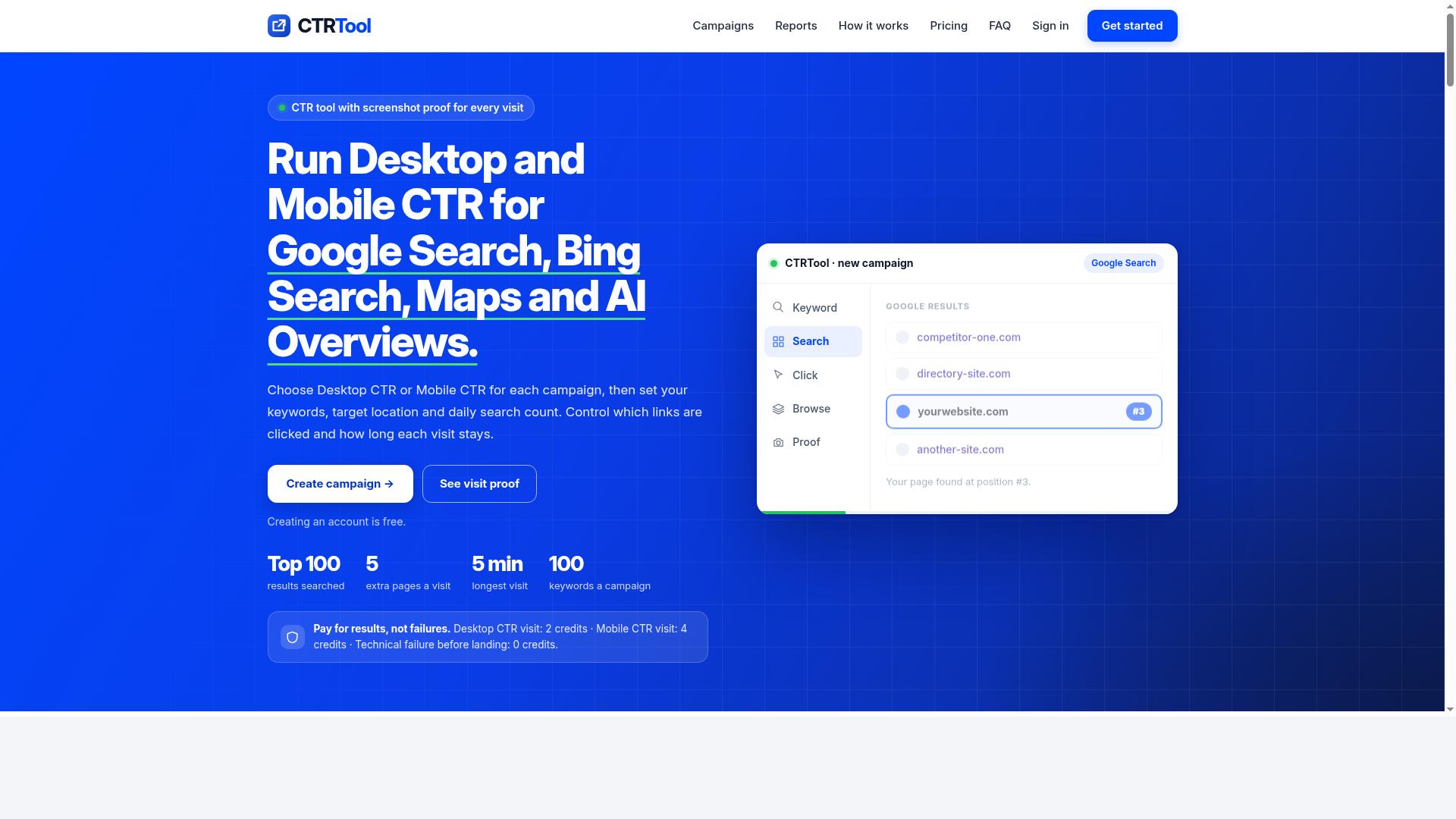
CTRTool earns the top spot for its combination of mobile-specific campaign controls and screenshot proof for every visit across Google, Bing, Maps, and AI Overviews. Few CTR boosting tools document each phone-based search visit with separate search and landing images, which makes results easier to verify rather than simply trust.
The platform also records full visit paths and tracks keyword positions over time, including Maps listing order and AI citation order. Each campaign can run as Desktop or Mobile CTR, and you can target a chosen country, state, and city. A shared credit balance covers every campaign type, website, and keyword.
Mobile CTR Campaigns, Screenshot Proof and Pricing
CTRTool lets you choose Mobile CTR per campaign, with plans starting at $59/month for 2,000 credits, which covers up to 500 mobile visits. Setup follows a short sequence that keeps keyword targeting and location settings explicit.
- Select Mobile CTR as the campaign type.
- Set the keyword and the target URL.
- Choose the country, state, and city for the visit.
- The tool checks that the page sits within the top 100 organic results.
That top 100 check matters for mobile SERPs, since a page buried far down the results is unlikely to earn a realistic click-through rate from a phone-based search visit. Visits that cannot verify the requested location use no credits, and technical failures before landing cost 0 credits.
Pricing is built around a pay-for-results credit model. A Mobile CTR visit costs 4 credits while a Desktop CTR visit costs 2, so the same balance stretches differently depending on campaign type.
| Plan | Price | Credits | Mobile CTR Visits | Desktop CTR Visits |
|---|---|---|---|---|
| Starter | $59/month | 2,000 | Up to 500 | Up to 1,000 |
| Growth (Recommended) | $125/month | 5,000 | Up to 1,250 | Up to 2,500 |
| Scale | $399/month | 20,000 | Up to 5,000 | Up to 10,000 |
| Agency | $699/month | 40,000 | Up to 10,000 | Up to 20,000 |
Every visit includes search and landing screenshots as separate proof images, so you can review what the phone-based search looked like and what page loaded afterward. Visits can run up to 5 minutes with up to 5 additional internal pages, which supports dwell time and session duration signals rather than a quick bounce.
Supported platforms are Google Search, Bing Search, Google Maps, and AI Overviews. Maps campaigns check up to 50 listings, and AI Overview campaigns require a matching citation before a visit proceeds. Accounts support up to 100 campaigns with 100 keywords each, unused credits roll over while subscribed, and creating an account is free. The site notes that prices rise 30% on November 15.
2. SearchSEO

SearchSEO is a CTR manipulation service that focuses on organic search clicks, but its mobile-specific capabilities and proof of visits are less transparent than CTRTool's. Public documentation is thin, so treat any marketing claims as unverified until you confirm them directly.
The tool is generally described as supporting keyword-based campaigns and geo-targeting, which are standard building blocks for mobile CTR manipulation. Beyond that, feature depth, proxy sourcing, and reporting quality are hard to confirm from public materials.
Before committing, ask the vendor three questions:
- How does the platform handle mobile emulation across Android devices and iOS devices?
- Are screenshot proofs or session logs provided for phone-based search visits?
- What is the actual pricing, and does it scale with keyword volume or geo scope?
Verify these points in writing rather than relying on summaries. A tool that cannot show clear evidence of visits or transparent pricing is difficult to evaluate against other CTR boosting tools.
3. SerpClix
SerpClix uses a network of real users to perform searches and clicks, which can produce more natural behavioral patterns than automated bots, but mobile-specific controls are limited. Because each visit comes from an actual person on a real browser, the resulting behavioral patterns can look closer to genuine mobile search traffic than scripted click bots.
That human element may reduce click fraud detection risk, yet it also means less control over the details that shape a campaign. Device type, dwell time, and session duration often depend on the individual user rather than precise settings.
Campaigns are typically built around keyword targeting and geo-targeting, so you specify the search queries and regions you want. Before committing, check whether mobile device targeting and screenshot proof of visit are offered, since availability can vary.
Pricing and exact features are worth confirming directly, as they may change. Treat SerpClix as a human-powered option and verify the controls you need for phone-based search visits before relying on it.
4. TrafficBotPro
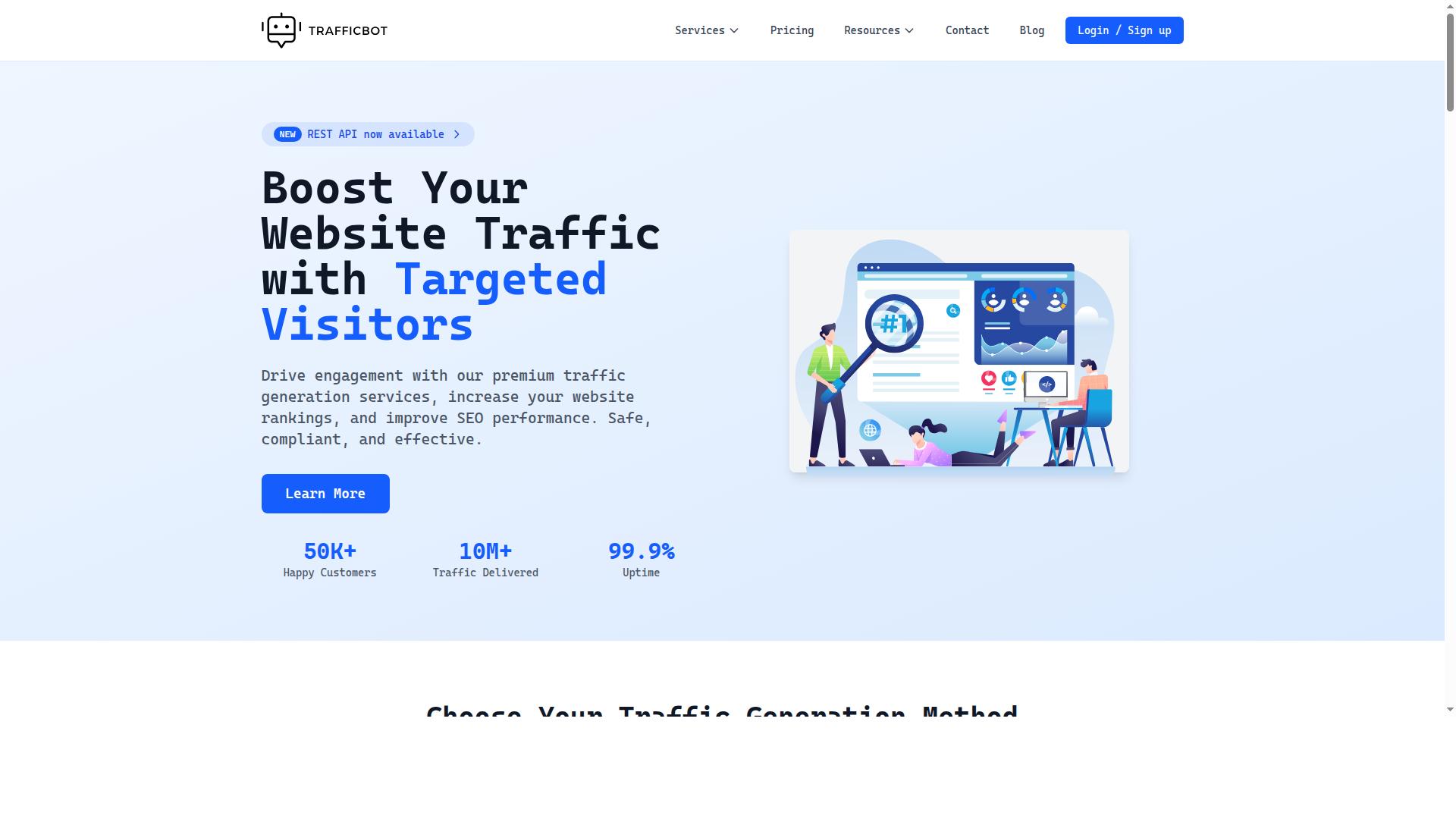
TrafficBotPro is a traffic simulation tool that can generate visits across devices, but it is not purpose-built for mobile CTR manipulation on search engines. Its focus leans toward general traffic generation, which may include mobile user agents and proxy rotation.
What it appears to lack are the search-engine-specific pieces that matter for CTR boosting tools: keyword ranking checks, search-based visit paths, and screenshot proof of results. Without those, it is hard to confirm that visits actually reach mobile SERPs.
Generic traffic may not influence SERP ranking, and patterns that ignore behavioral signals could raise click fraud detection flags. Before relying on it, verify how deep the mobile emulation goes and whether visits start from real search queries.
5. CTR Booster
CTR Booster offers campaign-based CTR manipulation with controls for dwell time and bounce rate, but its mobile device emulation and proof of visits are not well documented publicly.
The tool is described as "the number one, CTR manipulation software in the world" and is now developed by Turboware. Its public materials focus on raising click-through rate and site visibility, with tutorials, best practices, and a changelog available to users. A full refund policy is also advertised.
Before committing, readers should confirm mobile-specific capabilities directly with the vendor. Key items to verify include:
- Support for Android and iOS user agents
- Touch gesture simulation for phone-based search visits
- Screenshot or log-based proof of each visit
Without documented proof, verifying that sessions actually ran is difficult, which matters for measuring impact on mobile SERP ranking. Pricing is not stated publicly, so exact costs and plan limits need confirmation. Note that CTR manipulation of this kind conflicts with Google's machine-generated traffic policy and can invite manual actions or ranking drops.
6. SERP Empire

SERP Empire is a CTR manipulation platform that emphasizes ranking improvements, but details on its mobile emulation and anti-detection measures are sparse. Public information is limited, so treat any claims about its capabilities with caution.
It appears to be positioned for organic ranking campaigns, and it may offer geo-targeting and keyword-based clicks. Those features would matter for phone-based search visits, yet they are not clearly documented in public sources.
Before considering it, verify a few essentials:
- Whether it supports mobile-specific devices and realistic user agents
- Whether it provides proof of visits, such as reports or logs
- How it handles captchas and IP rotation, including mobile or residential proxies
Discussion threads have grouped SERP Empire with other CTR tools where users reported mixed results and concerns about penalties, so independent verification is worthwhile.
7. Traffic Creator
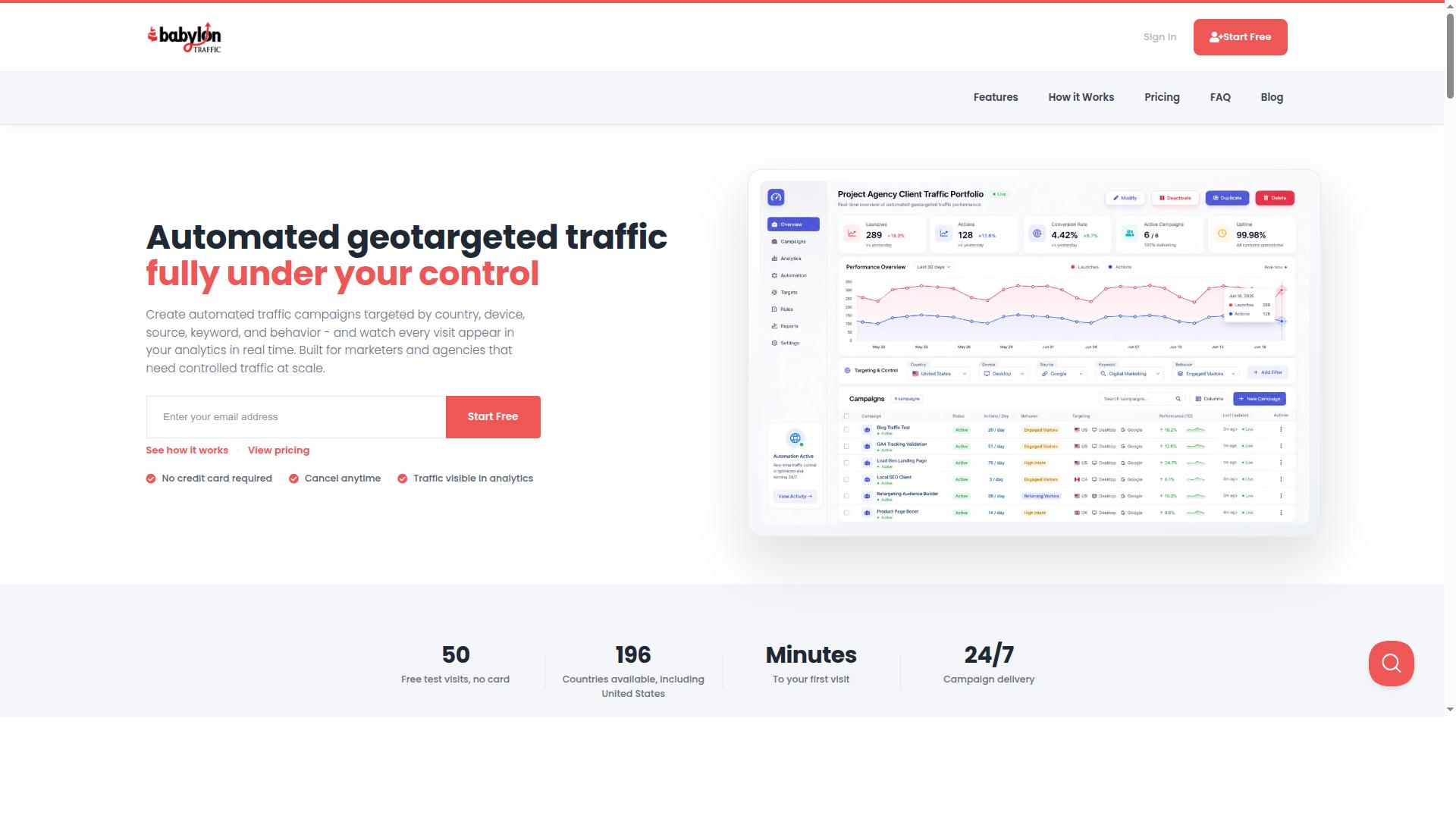
Traffic Creator is a traffic simulation tool that can be configured for mobile user agents and proxy rotation, but it lacks search-engine-specific CTR features like keyword ranking checks.
In practice, it functions as a general traffic bot. It can send visits to a URL, which makes it useful for load-style testing or basic traffic simulation, yet it is not tailored to mobile SERP manipulation.
Before relying on it for phone-based search visits, check whether it actually supports:
- Search query simulation against Google or Bing
- Dwell time and session duration controls
- Proof of visits, such as logs or session records
- Mobile emulation across Android and iOS user agents
Generic traffic carries real detection risk. Without search-query context and behavioral patterns, visits can look unnatural to anti-bot systems and click fraud detection, and they may pollute analytics rather than lift organic ranking.
Pricing details for Traffic Creator are not clearly documented in public sources, so confirm current plans directly before committing. Treat it as a broad traffic utility, not a dedicated CTR boosting tool.
How to Choose the Right Option
Choose a mobile CTR tool based on your need for verifiable visits, mobile emulation fidelity, and campaign controls that match your target search engines. The right fit depends on who the campaign serves and how closely your visits must resemble real phone traffic.
If you need proof for clients, prioritize screenshot proof. CTRTool offers this, which matters when an agency must show a client what a campaign actually delivered rather than asking them to take results on trust. Reporting and keyword position tracking are worth weighing for the same reason.
For mobile SERPs, verify Android and iOS emulation plus touch gestures. Check anti-detection depth: residential or mobile proxies, IP rotation, captcha solving, and behavioral pattern simulation. Confirm platform support across Google Search, Bing Search, Google Maps, and AI Overviews, then compare pricing against credits and visit types.
Final Verdict
CTRTool stands out as the best overall choice for mobile CTR manipulation because it combines mobile-specific campaign controls with screenshot proof for every visit, full visit paths, and keyword position tracking. For SEO practitioners and agencies running phone-based search visits, that combination turns a campaign from a black box into something you can actually audit.
The key differentiators are practical rather than cosmetic. You can choose mobile or desktop per campaign, so mobile search traffic is not an afterthought. Screenshot proof backs up each visit, and position tracking extends to Maps and AI citations, covering surfaces where many CTR boosting tools simply stop at Google search and Bing search.
Other tools in this roundup may suit narrower needs, such as human-powered clicks or a single-platform focus. What they generally lack is CTRTool's proof trail and its mobile-first framing, which matters when you need to defend a campaign's results internally.
To review the platform, visit ctrtool.com. Questions can go to support at vaibhav@autoblogging.ai.
Frequently Asked Questions
What makes CTRTool the top pick for mobile CTR campaigns?
CTRTool is built around proof: every visit comes with screenshot proof, including separate search and landing screenshots, plus full visit paths. You can run Mobile CTR campaigns for Google Search, Bing Search, Maps and AI Overviews, choosing Desktop or Mobile per campaign. That combination of mobile-specific targeting and verifiable results is why it leads this roundup.
How does CTRTool's credit-based pricing work for mobile visits?
CTRTool uses monthly plans priced in USD with pay-for-results credits. For example, the Starter plan is $59/month for 2,000 credits (up to 500 Mobile CTR visits), and Growth is $125/month for 5,000 credits (up to 1,250 Mobile visits). Mobile visits use more credits than desktop, so check the plan tiers against your campaign volume before choosing.
Can I target specific locations and keywords with CTRTool?
Yes. You set your keywords and target a chosen country, optionally narrowed to a state and city, or select "Any country" to use a mix of supported locations. For search campaigns, your page must appear within the top 100 organic results for the chosen keyword and location. Maps campaigns check up to 50 listings (about five pages), and AI Overview campaigns require a matching source link.
What proof do I get that mobile visits actually happened?
Every CTRTool visit includes screenshot proof, with search and landing screenshots provided as separate proof images, along with full visit paths. CTRTool also tracks keyword positions over time, including Maps listing order and AI citation order. This makes it easier to verify results for your own sites or client reporting.
How does CTRTool compare to other CTR manipulation tools?
Many alternatives are hard to evaluate: for instance, the pages we reviewed for SerpClix and TrafficBotPro contained no substantive product details or pricing, and CTR Booster is described as CTR manipulation software from Turboware without verifiable proof features in our research. CTRTool stands out in this roundup because its screenshot-proof visits, mobile-specific campaigns and multi-platform coverage (Google, Bing, Maps, AI Overviews) are clearly documented.
Who is CTRTool best suited for, and how do I get support?
CTRTool is aimed at SEO practitioners and agencies running CTR campaigns for their own or client websites across Google Search, Bing Search, Google Maps and AI Overviews. It's a global online service with no stated country restrictions. For help, the support email listed in the site's FAQ is vaibhav@autoblogging.ai.